



















7 Autopay Mistakes That Can Still Lead to Fees or Missed Payments
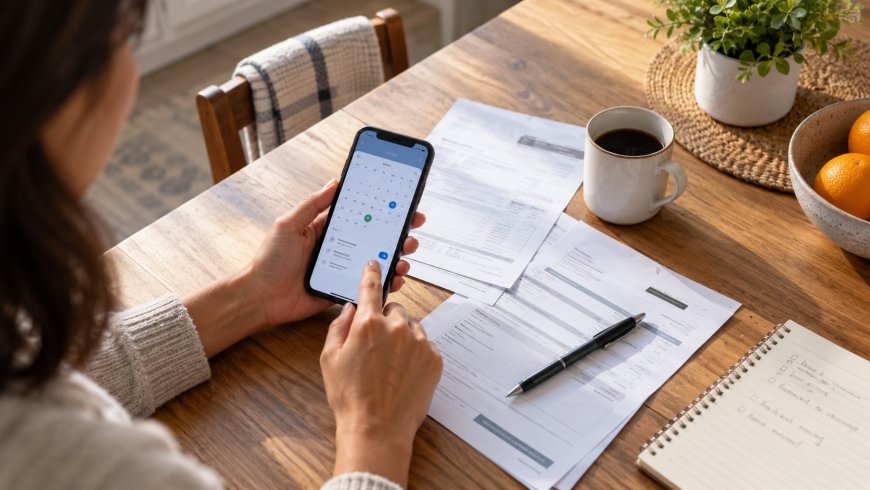
Autopay can make bills easier to manage, but it is not the same as putting your finances on cruise control. A payment can still fail, arrive late, or pull more money than expected. The safest approach is to treat autopay as a useful assistant that still needs a quick check from you.
These seven common mistakes explain why people sometimes face fees even when they thought everything was automated—and how to create a system that is both convenient and dependable.
1. Assuming enrollment worked without confirming it
Entering a bank account or card number does not always mean autopay is active. Some companies require an email confirmation, a small verification deposit, or an additional agreement before the first automatic payment begins. If that step is missed, the next bill may remain unpaid.
After enrolling, look for a clear status such as “autopay on” and note the first scheduled withdrawal. Keep the confirmation email until one successful payment appears on both the biller’s account and your bank statement. For a new setup, it is wise to check the first two cycles rather than trusting the initial screen.
2. Scheduling the withdrawal too close to payday
A direct deposit that normally arrives Friday morning may be delayed by a holiday, payroll issue, or bank processing schedule. If several automatic payments are also set for Friday, even a short delay can cause an overdraft or returned-payment fee.
Build a small timing cushion. Whenever possible, schedule important bills a few days after your expected pay date and keep enough in the account to cover routine payments before the deposit lands. The goal is not to maintain a huge checking balance; it is to avoid making every bill depend on perfect timing.
3. Using an account with an unpredictable balance
Autopay works best when bills come from an account that is easy to monitor. A checking account used for groceries, entertainment, cash withdrawals, and transfers can swing quickly. A purchase you forgot about may use the money reserved for a bill.
One practical option is a dedicated bills account. Add up your regular monthly obligations, transfer a planned amount after each paycheck, and connect recurring bills to that account. If opening another account is not appealing, create a written “reserved for bills” total and subtract it mentally from the available balance shown in your banking app.
4. Forgetting that the bill amount can change
Autopay prevents a missed due date, but it does not guarantee a predictable withdrawal. Utility bills, insurance premiums, subscriptions, taxes, and variable credit-card balances can change. A price increase or unusually high usage month may produce a larger debit than expected.
Turn on bill-ready alerts and review the amount before the withdrawal date. A five-minute weekly money check is often enough: scan upcoming payments, compare variable bills with their usual range, and investigate anything that looks unusual. This also gives you time to correct billing errors before money leaves the account.
5. Letting an expired card remain on file
Cards expire, get replaced after fraud alerts, or receive new numbers. Some merchants automatically receive updated card information, but others do not. A subscription can appear active while repeated payment attempts fail in the background.
When a replacement card arrives, search your recent statements for recurring charges and update each important account directly. Prioritize insurance, phone service, utilities, childcare, internet, and any account that charges a late fee. Keep a simple recurring-payment list so you are not trying to remember every merchant from scratch.
6. Ignoring alerts because “autopay handles it”
Payment alerts are most useful when they warn you before a problem becomes expensive. Turning them off can hide declined payments, unusual amounts, low balances, and duplicate charges. Too many notifications are annoying, but no notifications can be costly.
Choose a small set of useful alerts: bill ready, payment scheduled, payment completed, payment failed, and balance below a comfortable threshold. Route promotional messages away from your main inbox if necessary, but keep transaction alerts visible. A successful-payment notification should still be matched against your account during a weekly review.
7. Canceling a service but not the automatic payment
Canceling a membership and stopping its payment are related but separate issues. A merchant may bill one more cycle because of notice rules, an incomplete cancellation, or a system error. Simply removing a card can also leave an unpaid balance instead of ending the contract.
Follow the company’s cancellation process, save the confirmation, and check the next statement. If a charge appears, contact the merchant promptly with the confirmation details. Do not immediately dispute a legitimate final bill without reviewing the agreement, but do not let an unauthorized recurring charge continue unnoticed either.
A simple autopay safety routine
Once a month, compare your recurring-payment list with your bank and card statements. Confirm that every essential bill was paid, remove services you no longer use, update expired payment methods, and note any amount that changed. Once a week, spend five minutes checking the next seven days of withdrawals against your available balance.
For bills with serious consequences—such as housing, insurance, taxes, and utilities—consider calendar reminders even when autopay is active. The reminder is not there so you can pay twice. It is there so you verify the payment completed before a grace period ends.
The bottom line
Autopay is most reliable when automation and attention work together. Confirm enrollment, allow time around payday, watch variable amounts, maintain current payment information, and keep alerts turned on. With a short weekly review and a monthly recurring-bill audit, you can enjoy the convenience of automatic payments without assuming the system can never fail.
What's Your Reaction?
 Like
0
Like
0
 Dislike
0
Dislike
0
 Love
0
Love
0
 Funny
0
Funny
0
 Angry
0
Angry
0
 Sad
0
Sad
0
 Wow
0
Wow
0